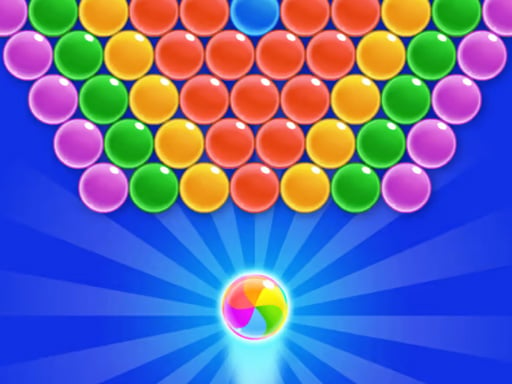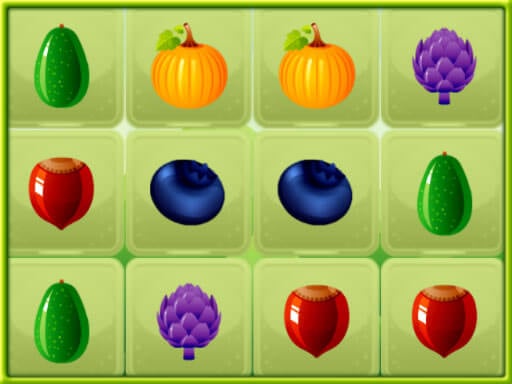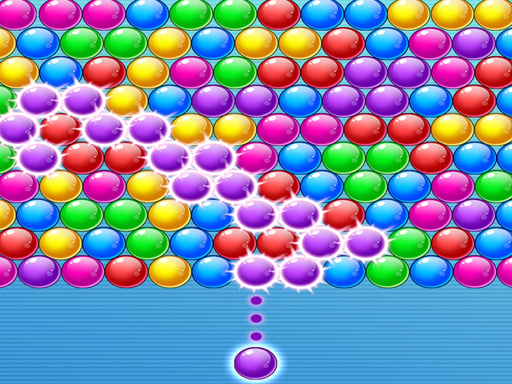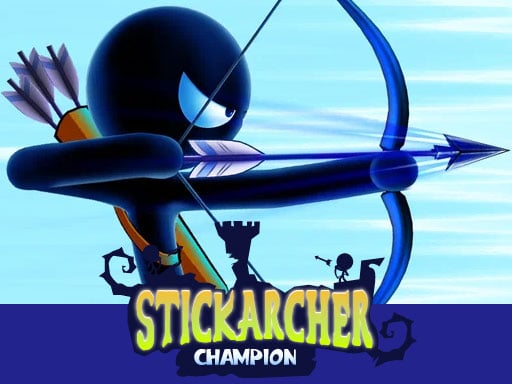
ACTION
 smoothplay
⌕
smoothplay
⌕

Spotlight pick — open the detail page for controls, tips, and on-demand play.
Play now31 ACTION titles — scroll the lane or open a detail page for controls and on-demand play.










38 HOT titles — scroll the lane or open a detail page for controls and on-demand play.
39 BOY titles — scroll the lane or open a detail page for controls and on-demand play.
45 3D titles — scroll the lane or open a detail page for controls and on-demand play.
28 GIRL titles — scroll the lane or open a detail page for controls and on-demand play.
3 PUZZLE titles — scroll the lane or open a detail page for controls and on-demand play.
4 SHOOTING titles — scroll the lane or open a detail page for controls and on-demand play.
6 ADVENTURE titles — scroll the lane or open a detail page for controls and on-demand play.
6 HYPERCASUAL titles — scroll the lane or open a detail page for controls and on-demand play.
No games in this genre.
Browser games run inside Chrome, Firefox, Safari, or Edge — no app store, no download. smoothplay hosts 200 titles across 9 genres. Every game gets its own detail page with an intro, control guide, feature list, tips, and FAQ — not a bare embed with no context.
We group games by genre lanes on the homepage so you can skim horizontally without losing your place. Filter pills narrow the view instantly; the full grid lives under Categories. Search by title or genre on the Search page — results update as you type.
Browse by genre using the filters above, or open Categories to see the full library. On any detail page, read the summary first, then press Play — the game loads on demand so the homepage stays fast. Your recently played titles appear in the lane above when you return.
Most HTML5 embeds work on both. On phones, open a detail page, press Play, then use fullscreen inside the player bar. If touch feels off, tap once inside the game frame to focus it. We keep the left navigation on desktop and a compact top bar on smaller screens.
Keep your browser updated. Read each detail page before pressing Play. Broken embeds? Email [email protected] — we respond within 2–3 business days. Parents: review our Privacy Policy and Disclaimer for ad and cookie practices.
Only after you press Play on the detail page — not while browsing the catalog.
Yes on smoothplay. Third-party embeds may show their own ads inside the player.
No signup required. Optional cookies may apply — see our Privacy page.
Most titles work on phones and tablets. Use fullscreen on small screens for the best experience.
Original guides help you decide before loading heavy embeds — better for speed, accessibility, and search.
The featured card rotates from the live catalog so returning visitors see something fresh.